01
Black screen after wake
Moonlight connects, but the client shows a black frame after the host sleeps or the monitor turns off.

THE THREE FAILURES WE SEE
01
Moonlight connects, but the client shows a black frame after the host sleeps or the monitor turns off.
02
The desktop appears, but game audio stays on the host or disappears from the client.
03
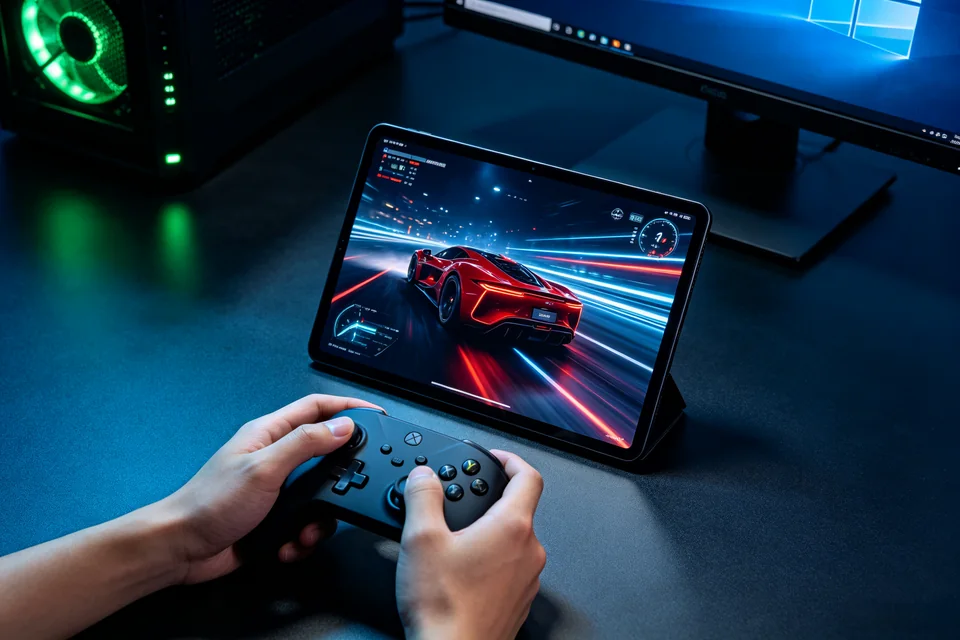
The stream works, but the client controller does not reach the game.
HOW WE TEST
SERVICE SCOPE
The session covers one agreed device and one verified path. Anything outside the written scope is quoted separately before work starts.
FAQ
Windows may resume with no active display, or Sunshine's encoder may not recover. The host state after wake is the first check.
It can be a temporary test, not the only fix. We identify whether the failure is wake, display, encoder, or client.
We check the local host/client path and recommend a wired connection where possible. Router or ISP changes are outside this session.
NEXT STEP
Send the device, software, exact symptom, and what you have already tried. We will confirm scope and a fixed quote before booking.
No passwords. A real reply comes from [email protected].
FROM THE BLOG
Troubleshoot Moonlight black screen after sleep by checking wake, display, and encoder settings on the Sunshine host. Step-by-step guide with verification and rollback.
A practical fix for Moonlight black screen after sleep on Sunshine hosts: verify the host display state, reset the capture source, and test with a controlled reconnect.
Moonlight can't find your Sunshine host? Follow this controlled diagnosis to check network, firewall, and service status, then verify pairing. Includes rollback and help link.
Stream runs but controller input doesn't reach the host? Follow these step-by-step checks to restore controller delivery in Sunshine and Moonlight.
Moonlight shows no host or cannot pair with Sunshine? Run this controlled discovery check to restore the expected moonlight cannot find the host step.
Troubleshoot Moonlight black screen after sleep by checking wake, display, and encoder on the Sunshine host. Step-by-step diagnosis and recovery.
Fix Moonlight black screen after sleep by checking the host display, encoder, and wake state, then verifying with a controlled reconnect test.
Stream runs but controller input never reaches the Sunshine host? Follow these checks to isolate the moonlight controller not working fault and restore input.
Moonlight shows no host or cannot pair with Sunshine? Follow these checks to fix the discovery step and restore the connection.
Troubleshoot Moonlight black screen after sleep by checking wake, display, and encoder on the Sunshine host. Step-by-step fix with verification and rollback.